> ## Documentation Index
> Fetch the complete documentation index at: https://docs.narrative.io/llms.txt
> Use this file to discover all available pages before exploring further.
# Create an Account
> Sign up for Narrative I/O and set up your workspace
In this tutorial, you'll create your Narrative I/O account and complete the registration process. By the end, you'll be ready to start uploading data.
## Prerequisites
* A valid email address, or
* A Google, GitHub, or LinkedIn account for single sign-on
## What you'll learn
* How to sign up for Narrative I/O
* How to verify your email via magic link (for email signups)
* How to complete your profile
## Steps
Navigate to [app.narrative.io](https://app.narrative.io) to access the sign-up page.
You have two options to create your account:
* **Email**: Enter your email address and click **Continue with email**
* **Single sign-on**: Click **Continue with Google**, **Continue with GitHub**, or **Continue with LinkedIn**
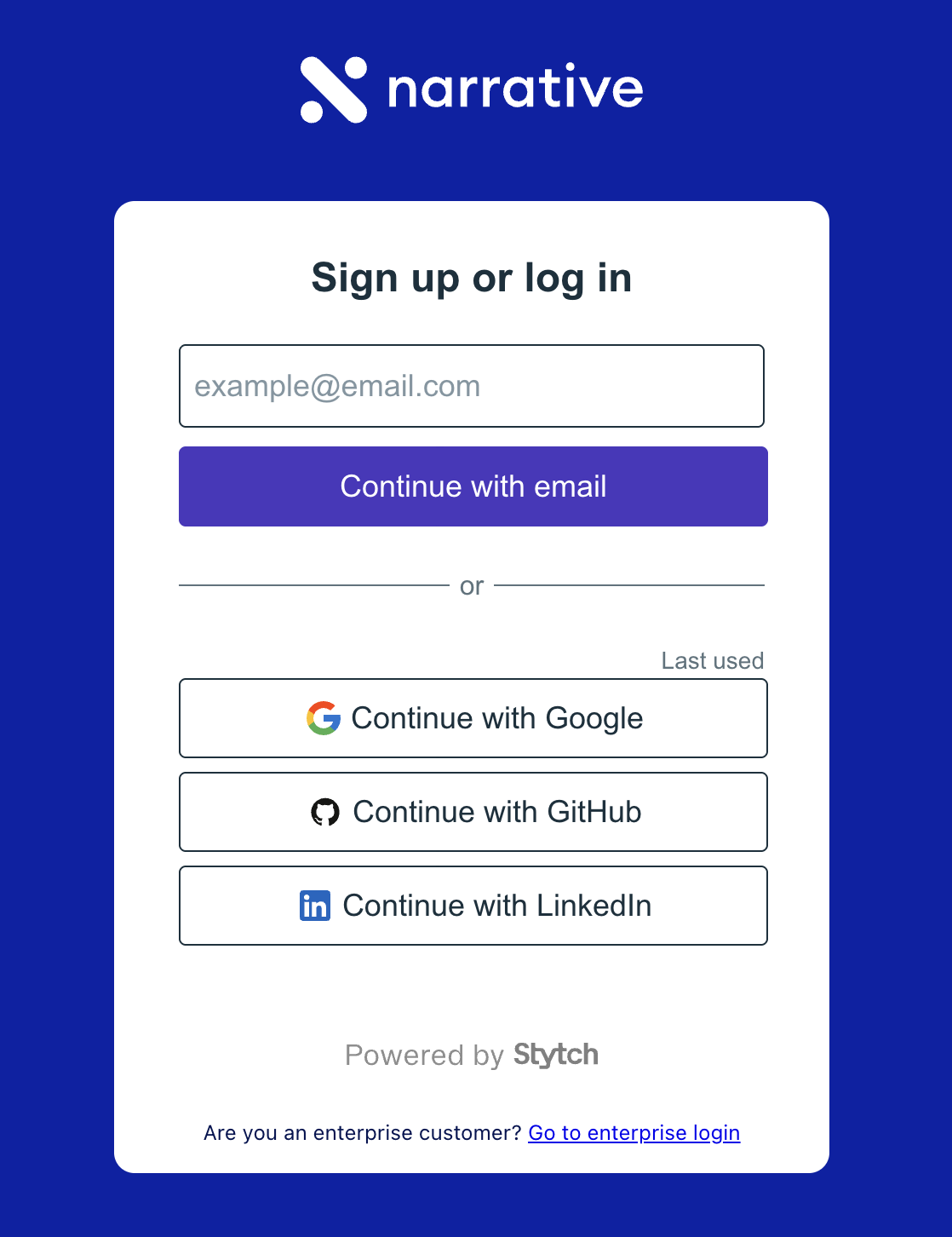 If you sign up with an SSO provider, skip the next step and proceed directly to completing your profile.
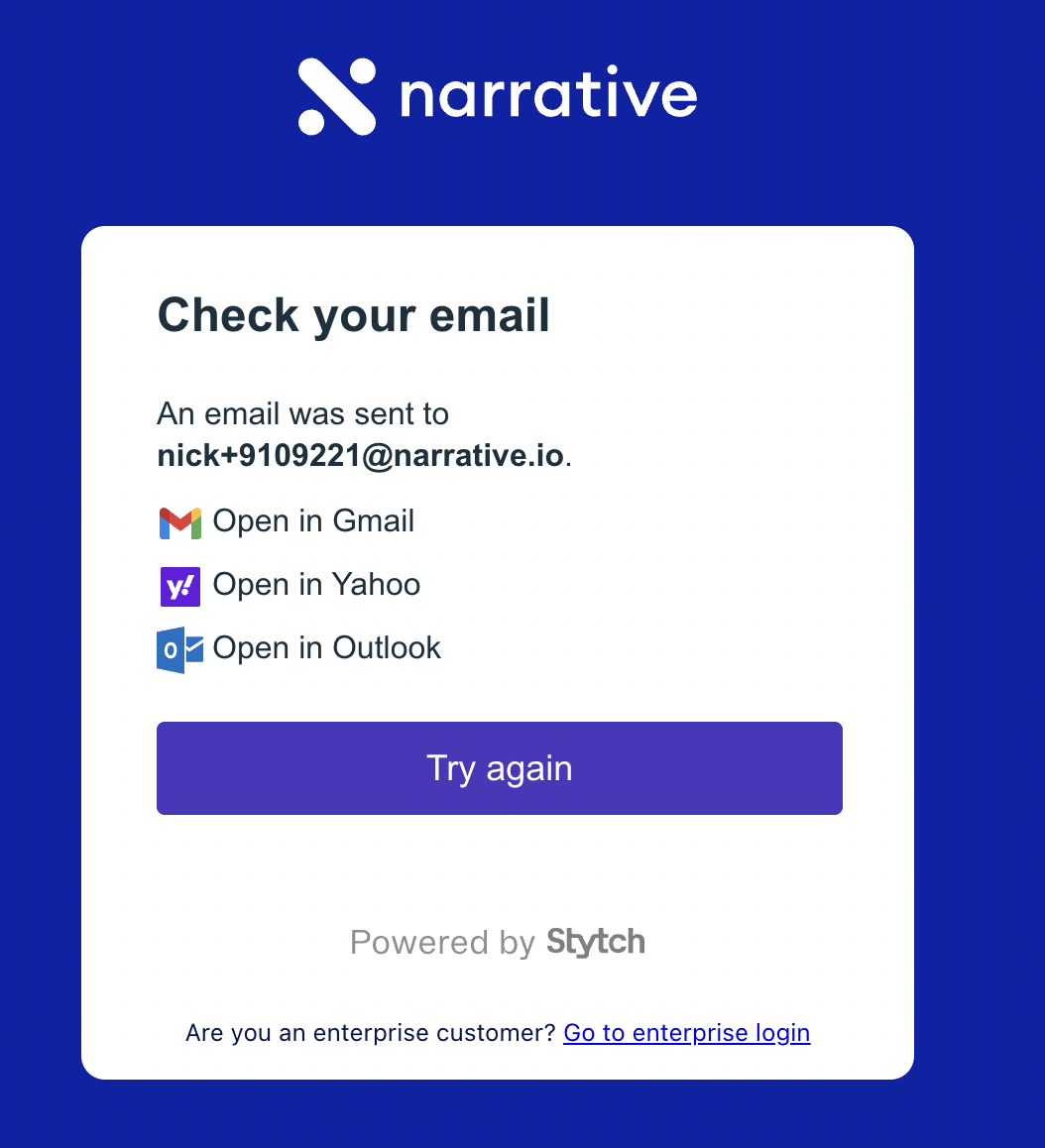
If you signed up with an email address, you'll see a confirmation that a magic link was sent to your inbox.
If you sign up with an SSO provider, skip the next step and proceed directly to completing your profile.
If you signed up with an email address, you'll see a confirmation that a magic link was sent to your inbox.
 Open your email and find the message from Narrative. Click **Continue** to verify your email address.
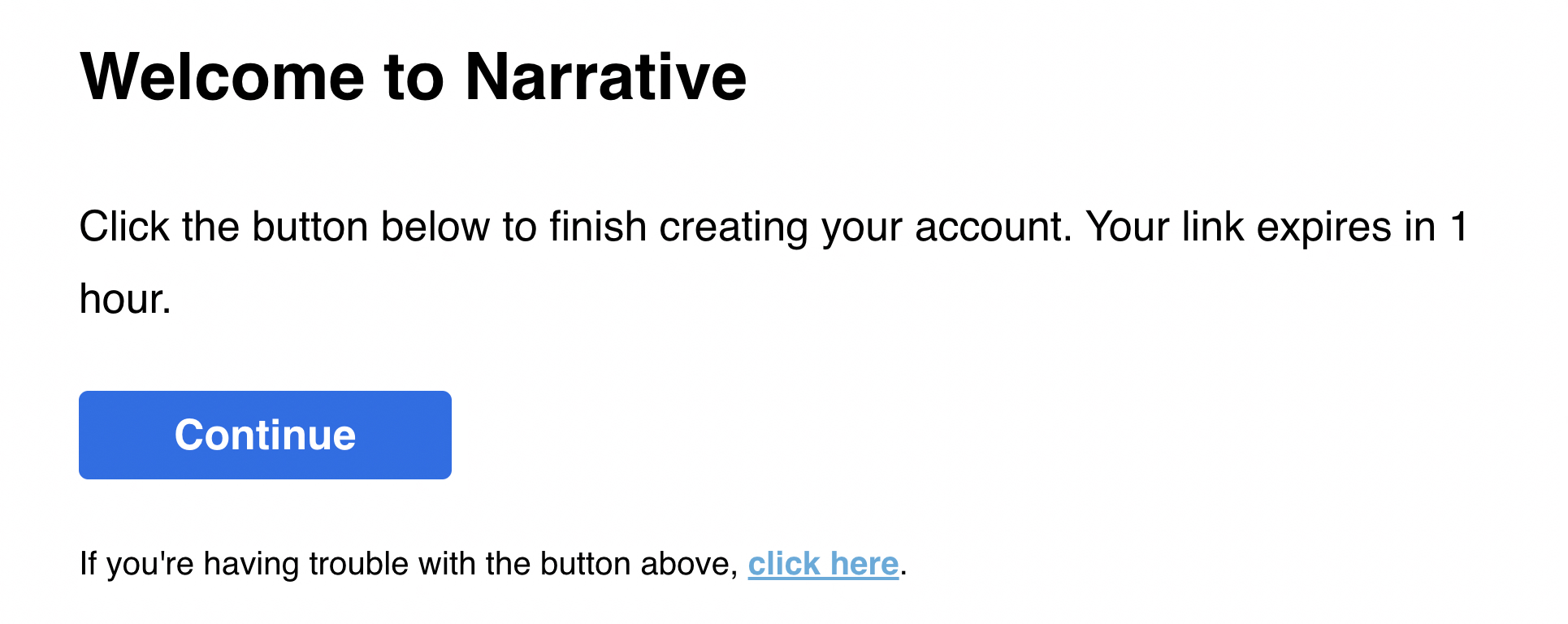 The magic link expires in 1 hour. If it expires, return to the sign-up page and request a new link.
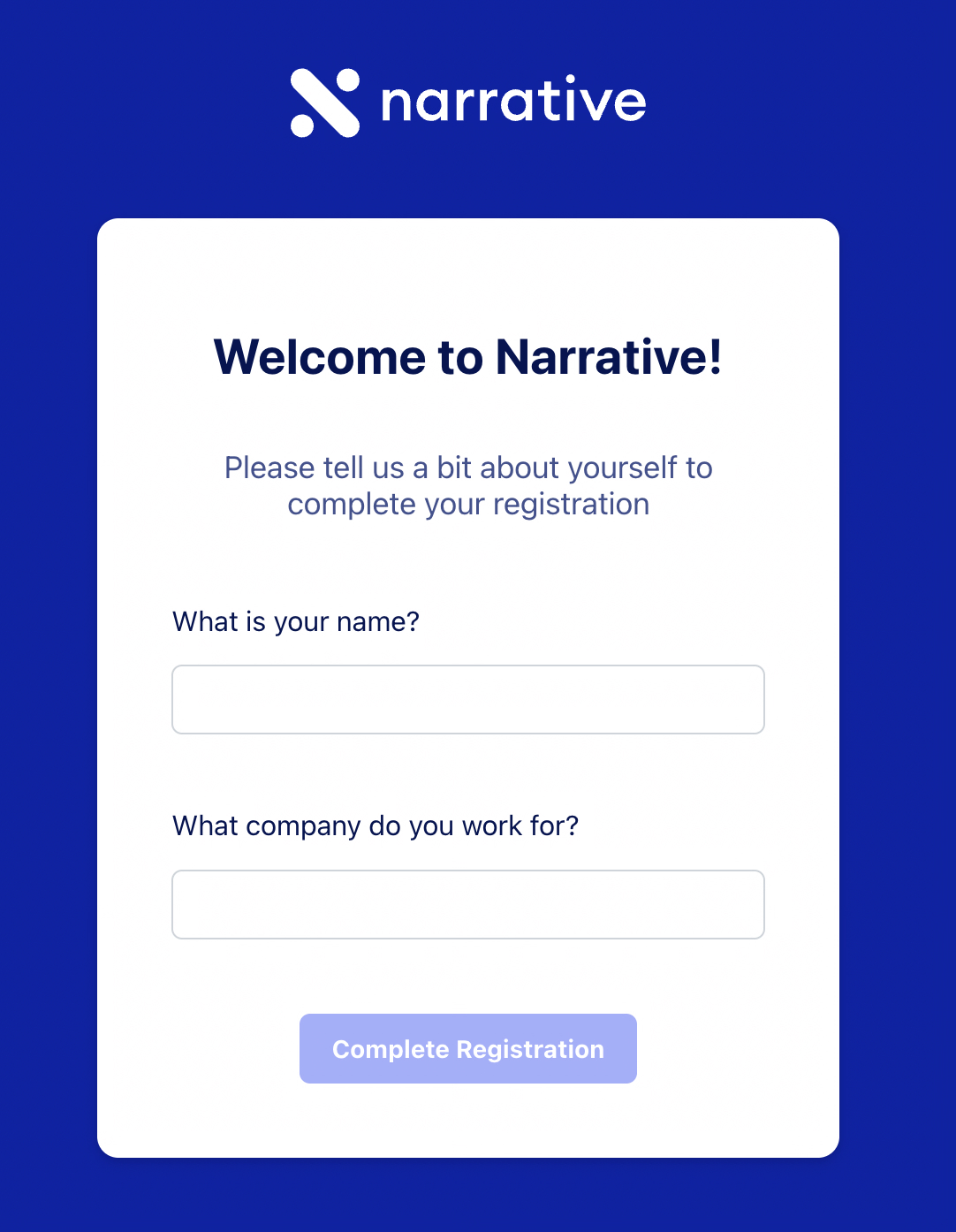
Enter your name and the company you work for, then click **Complete Registration**.
The magic link expires in 1 hour. If it expires, return to the sign-up page and request a new link.
Enter your name and the company you work for, then click **Complete Registration**.
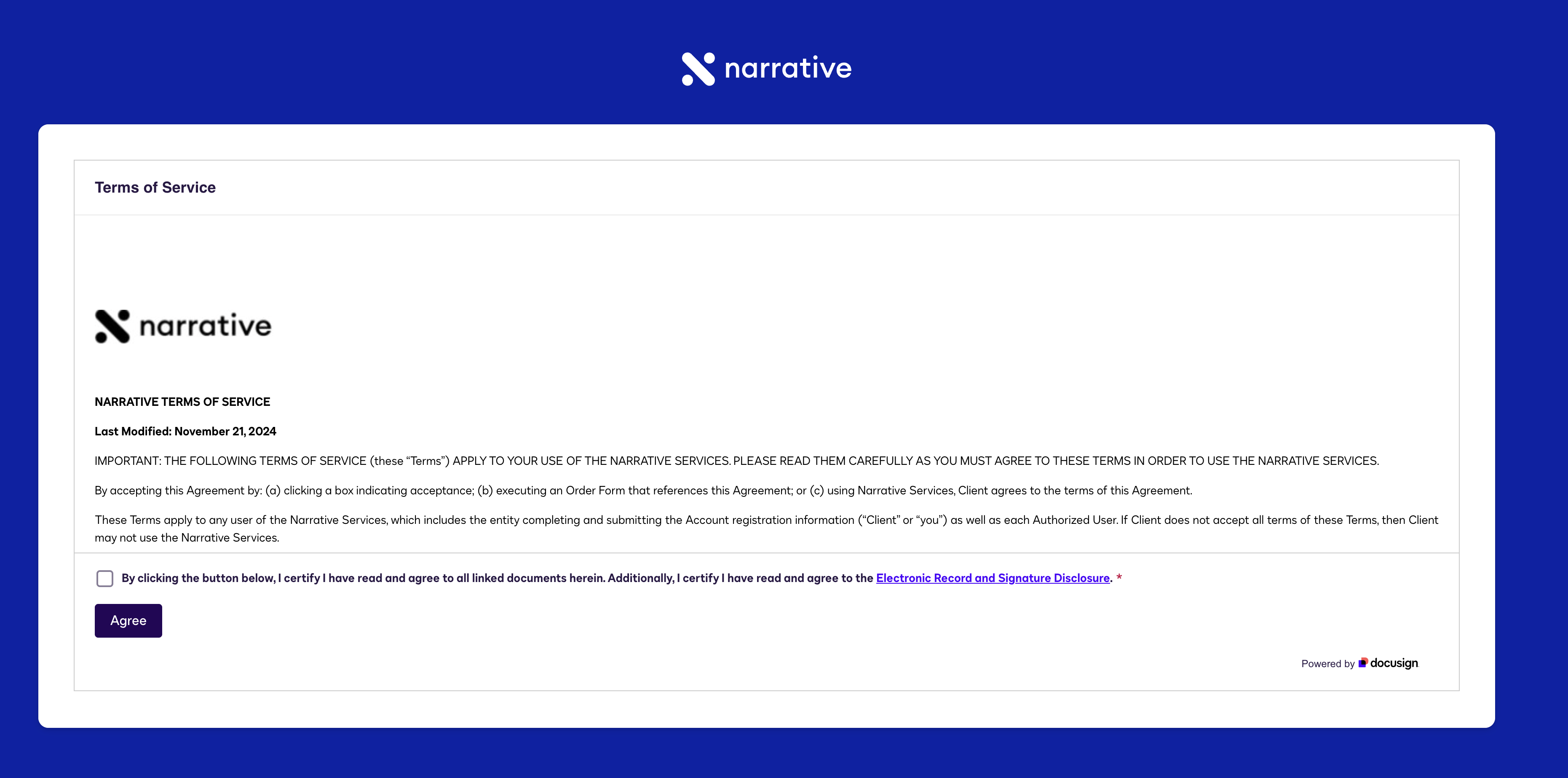
 Review the Terms of Service. Check the box to confirm you've read and agree to the terms, then click **Agree**.
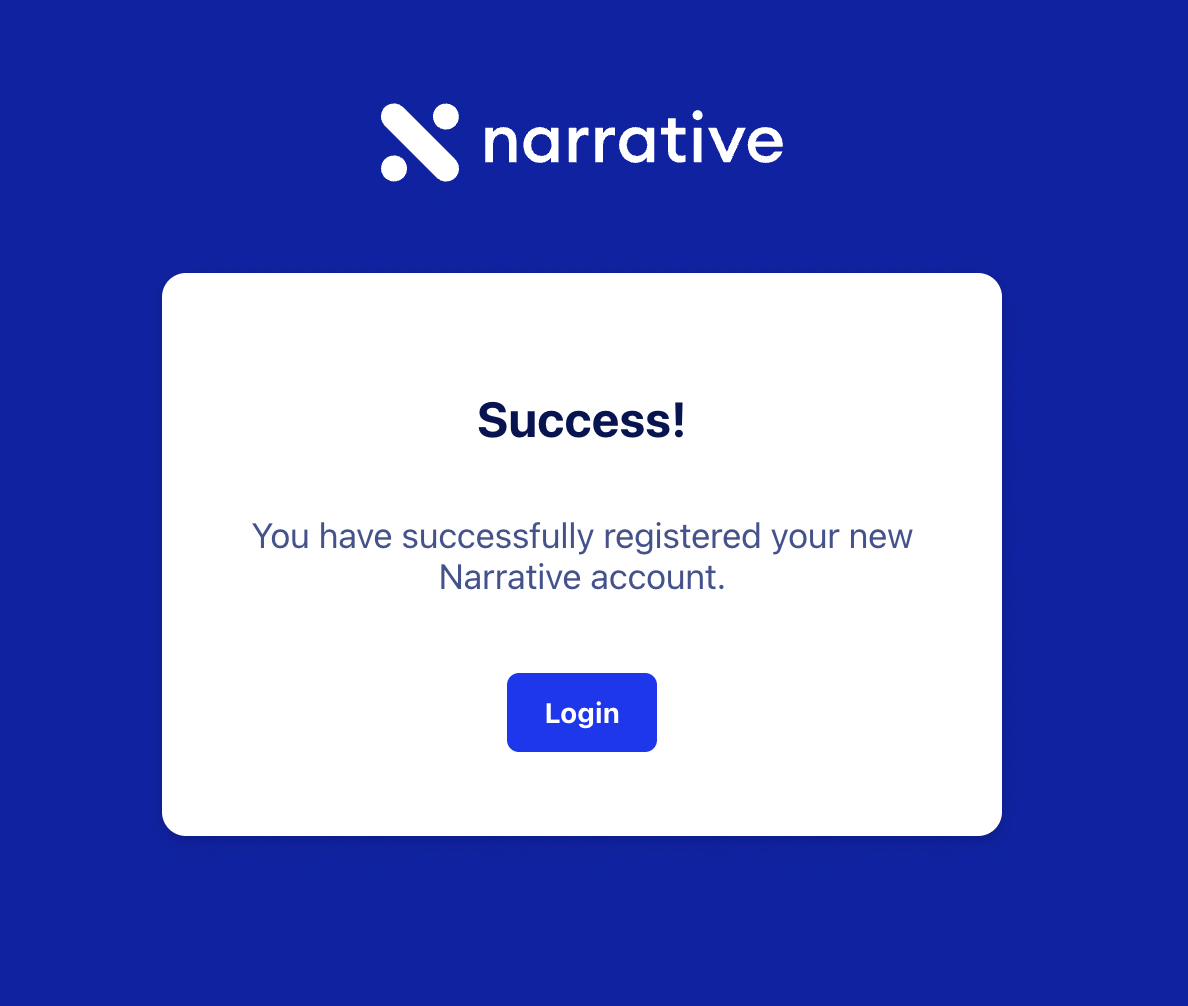
 You'll see a success message confirming your account was created. Click **Login** to access Narrative I/O.
 For future logins with an email account, you'll receive a magic link each time—no password required.
## What you accomplished
* Created a Narrative I/O account using email or SSO
* Verified your email address (if using email signup)
* Completed your profile and accepted the Terms of Service
## Troubleshooting
| Issue | Solution |
| ------------------ | ------------------------------------------------------------------------------------------------ |
| Magic link expired | Return to [app.narrative.io](https://app.narrative.io), enter your email, and request a new link |
| Email not received | Check your spam folder; add Narrative to your safe senders list |
| SSO login fails | Ensure you're using the correct provider account; try a different browser |
## Next steps
Add your first dataset to Narrative I/O
For future logins with an email account, you'll receive a magic link each time—no password required.
## What you accomplished
* Created a Narrative I/O account using email or SSO
* Verified your email address (if using email signup)
* Completed your profile and accepted the Terms of Service
## Troubleshooting
| Issue | Solution |
| ------------------ | ------------------------------------------------------------------------------------------------ |
| Magic link expired | Return to [app.narrative.io](https://app.narrative.io), enter your email, and request a new link |
| Email not received | Check your spam folder; add Narrative to your safe senders list |
| SSO login fails | Ensure you're using the correct provider account; try a different browser |
## Next steps
Add your first dataset to Narrative I/O