

Prerequisites
- A valid email address, or
- A Google, GitHub, or LinkedIn account for single sign-on
What you’ll learn
- How to sign up for Narrative I/O
- How to verify your email via magic link (for email signups)
- How to complete your profile
Steps
1
Go to the sign-up page
Navigate to app.narrative.io to access the sign-up page.You have two options to create your account: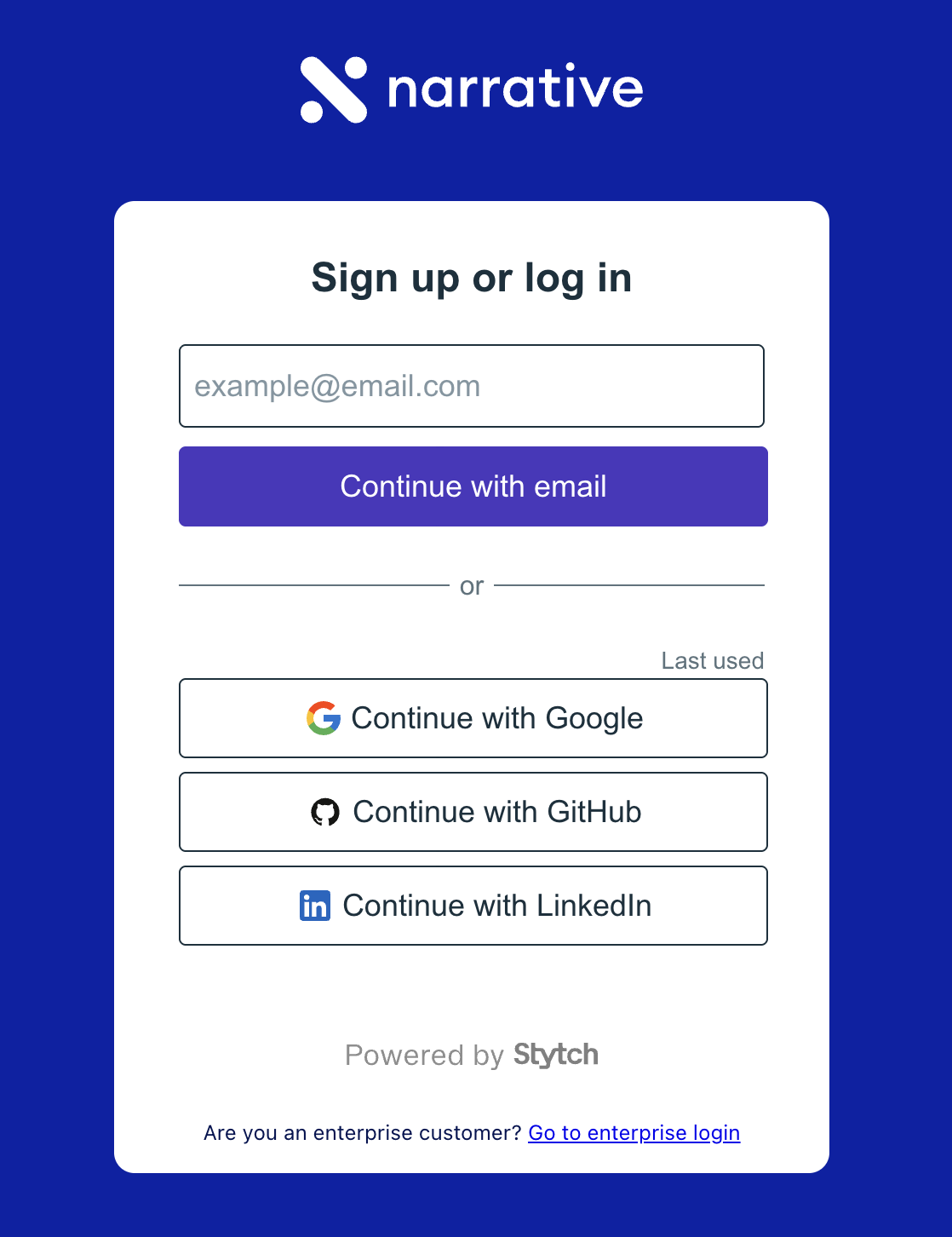
- Email: Enter your email address and click Continue with email
- Single sign-on: Click Continue with Google, Continue with GitHub, or Continue with LinkedIn
If you sign up with an SSO provider, skip the next step and proceed directly to completing your profile.
2
Verify your email
If you signed up with an email address, you’ll see a confirmation that a magic link was sent to your inbox.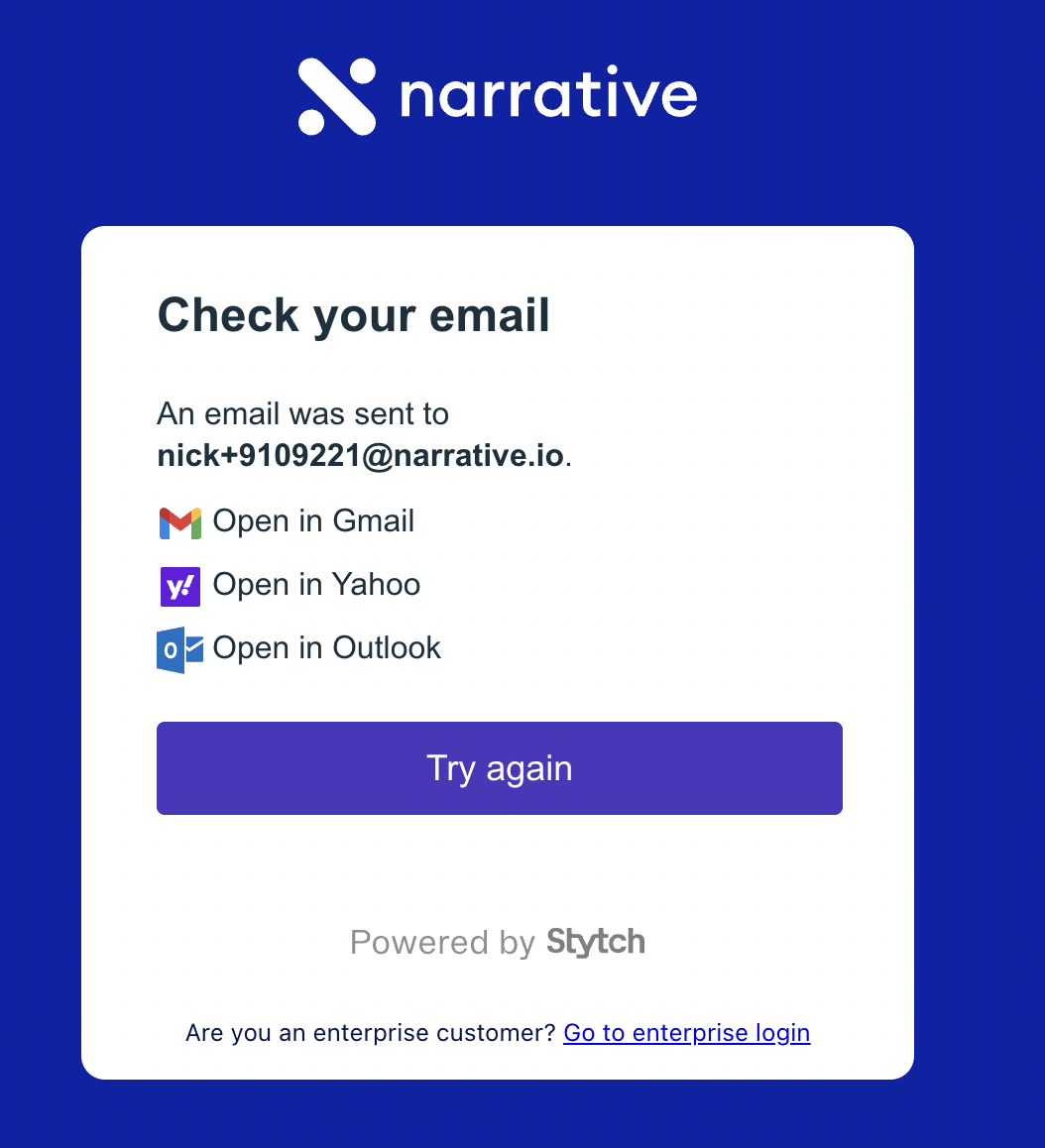
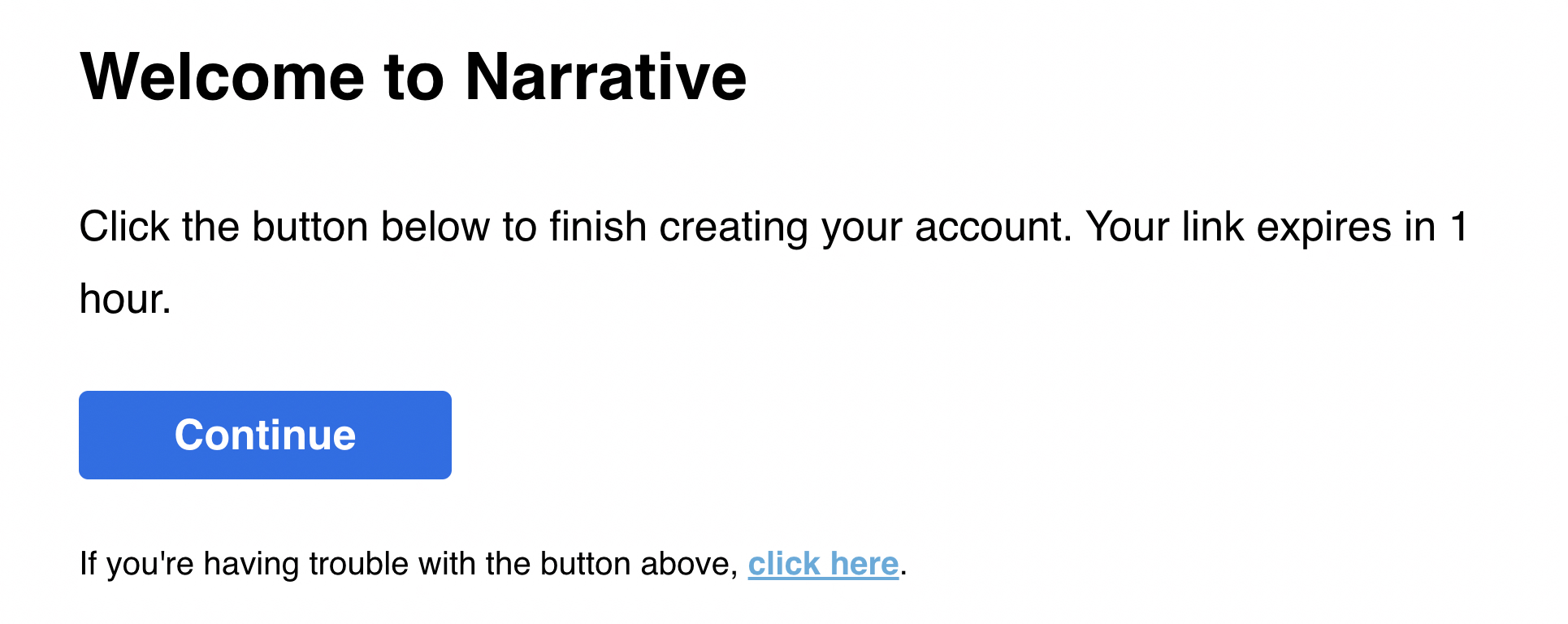
3
Complete your profile
Enter your name and the company you work for, then click Complete Registration.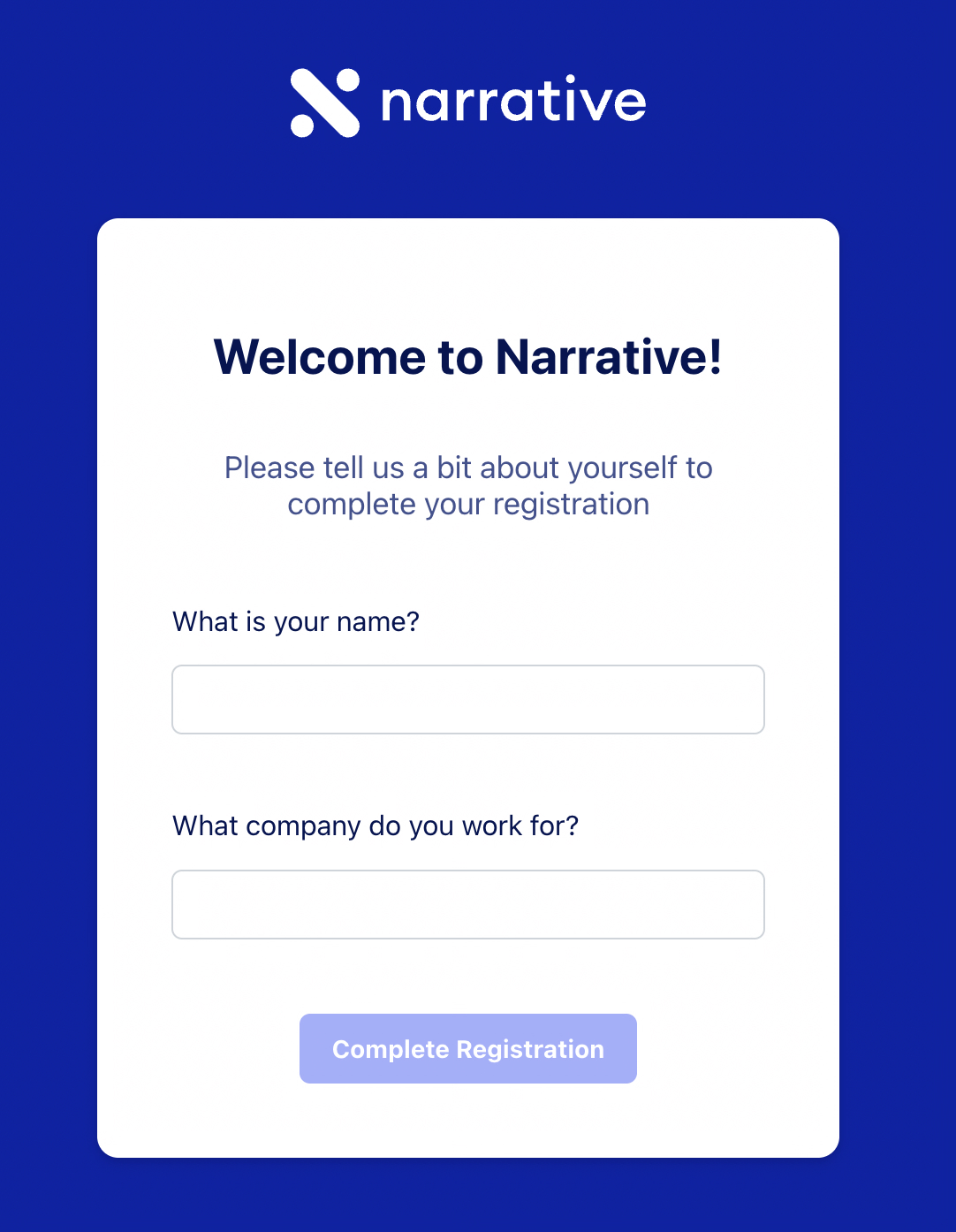
4
Accept Terms of Service
Review the Terms of Service. Check the box to confirm you’ve read and agree to the terms, then click Agree.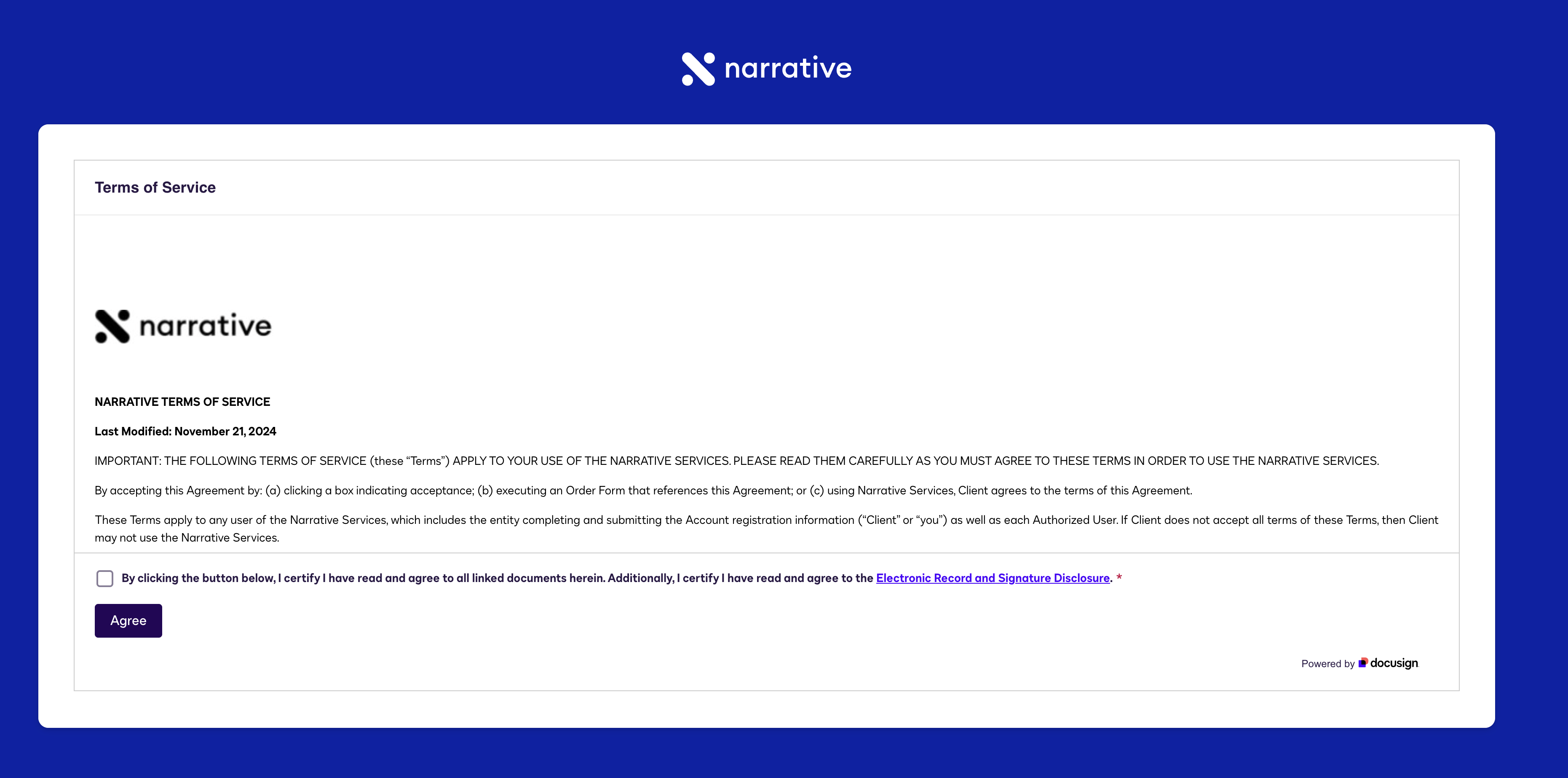
5
Log in to your account
You’ll see a success message confirming your account was created. Click Login to access Narrative I/O.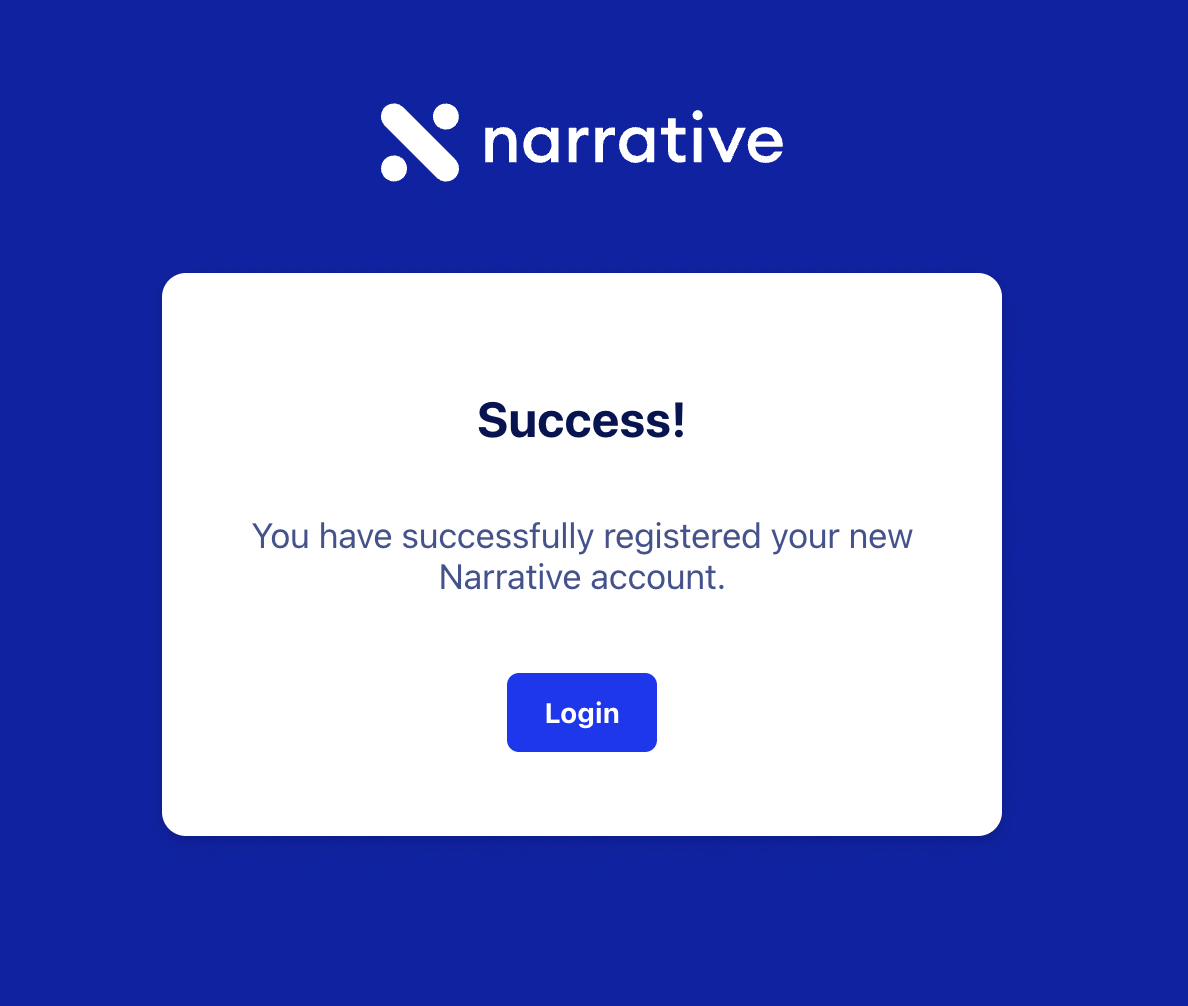
What you accomplished
- Created a Narrative I/O account using email or SSO
- Verified your email address (if using email signup)
- Completed your profile and accepted the Terms of Service
Troubleshooting
Next steps
Upload Your Data
Add your first dataset to Narrative I/O